What is Dead Strike
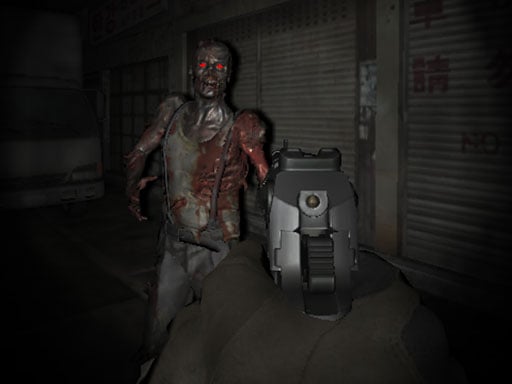
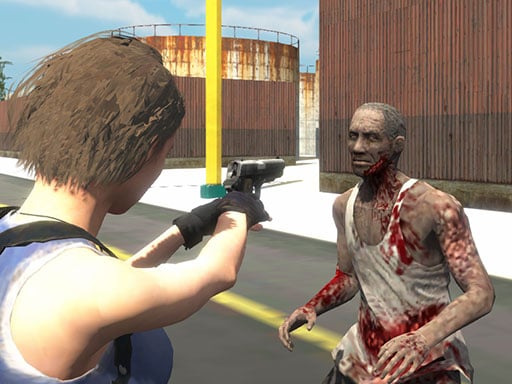
Dead Strike is a browser zombie FPS built around wave pressure.
Dead Strike drops you into compact combat spaces where zombies keep pushing forward until you break the wave. The homepage is not just a trailer or a landing screen: it is the live play surface, so players can load the game instantly, test the pacing, and decide whether they want to stay in the embedded frame or jump into fullscreen.
The game loop is simple in the best way. Clear undead groups, hold your positioning, upgrade into stronger weapons, and keep enough space to survive the next rush. That makes Dead Strike useful for searchers looking for a quick zombie shooter, a lightweight browser FPS, or a no-download survival game.
How to Play
Start fast, keep moving, and scale your loadout before the arena collapses.
The best way to play Dead Strike is to treat the early waves as setup time. Use those first encounters to learn zombie approach angles, test how much room you have for strafing, and build enough money or progress to unlock a weapon that can stop clustered enemies before they reach melee range.
Once the pace rises, surviving becomes a rhythm game: rotate, shoot, reload while repositioning, and only stand still when you know a lane is clear. If you wait too long to upgrade, later rounds turn into a pure panic sprint. If you invest early, the same rounds feel manageable and much more efficient.
Controls
Use the standard FPS controls, but manage them like a survival game.
- W / A / S / D: move and strafe around incoming zombies
- Mouse movement: aim toward the closest pressure point
- Mouse click: fire and thin the wave before it reaches you
- Shift: sprint to reset distance when a flank closes
- Spacebar: jump or dodge through tighter movement windows
- Keys 1-6: switch weapons when damage or reload timing changes
Dead Strike feels better when you think about controls in pairs: move while aiming, sprint before reloading, and switch weapons before your current clip becomes the reason a wave catches you.