
DS DEAD STRIKEBrowser shooter command

Command Strike FPS 2

Play Command Strike FPS 2 online at DEAD STRIKE. Rotate through missions, deathmatch, and flag capture with familiar browser FPS controls.

TACTICAL FPSMulti-Mode Ops

Mission briefing

Best in fullscreen or a dedicated tab.

Call of Ops 3 Zombies runs best when you keep the play area wide and switch to the source tab if you want the cleanest loading path. Stay in the ZOMBIE, FPS lane, then jump sideways into more missions from the icon walls.

About the game

Three classic shooter modes in one commando rotation

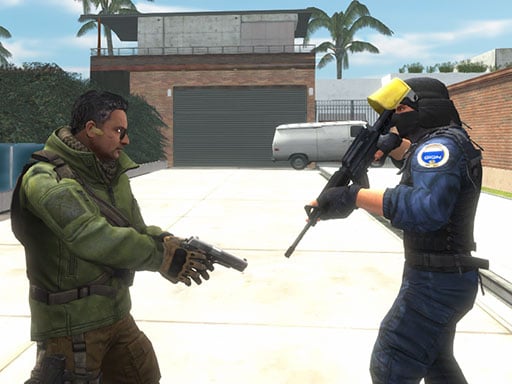
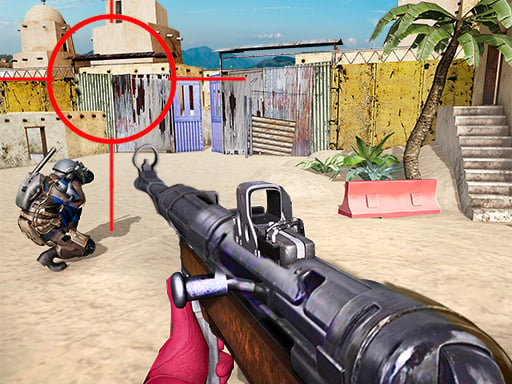
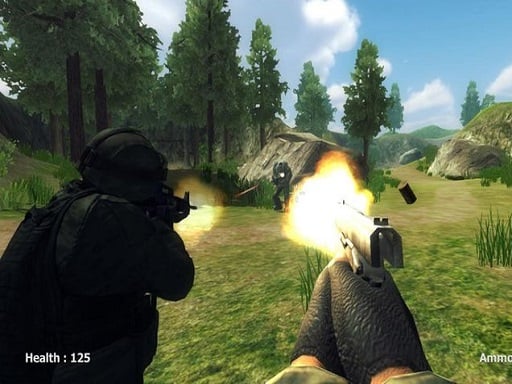
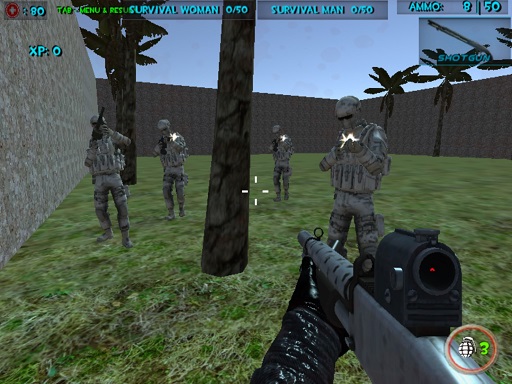
Command Strike FPS 2 moves between mission objectives, deathmatch pressure, and flag capture instead of locking every session to one ruleset. Its map rotation and familiar weapon handling make it a practical tactical-FPS addition to the library.

Why it lands

A stronger bridge from zombie FPS to military missions

Choose this page when you want human opponents and objective play rather than another undead wave. The grenade, first-aid, crouch, and weapon-switch controls give each short run more tactical decisions than a simple point-and-shoot loop.

Highlights

What to expect

  • Mission, deathmatch, and flag-capture modes.
  • Multiple maps built around commando firefights.
  • Guns, pistols, grenades, and first-aid controls.
  • A landscape layout that fits the DEAD STRIKE player shell.

Game controls

Controls

The publisher lists a full keyboard-and-mouse FPS layout.

  • WASD: move
  • Mouse buttons: aim and shoot
  • G: grenade; H: first-aid kit
  • C: crouch; Space: jump
  • Mouse wheel: change weapon