
DS DEAD STRIKEBrowser shooter command

ShooterZ.io

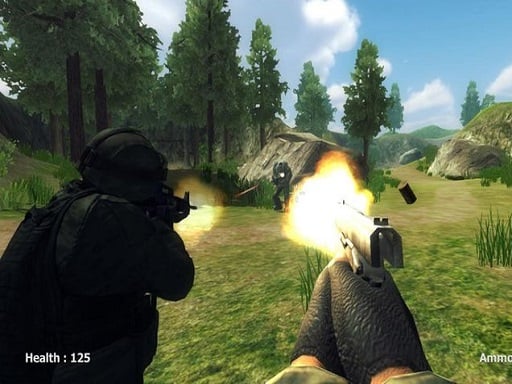
Play ShooterZ.io online at DEAD STRIKE. Create or join multiplayer rooms, rotate weapons, and fight across several browser FPS environments.

ARENA FPSRoom-Based PvP

Mission briefing

Best in fullscreen or a dedicated tab.

Call of Ops 3 Zombies runs best when you keep the play area wide and switch to the source tab if you want the cleanest loading path. Stay in the ZOMBIE, FPS lane, then jump sideways into more missions from the icon walls.

About the game

Room-based multiplayer with a broad weapon wheel

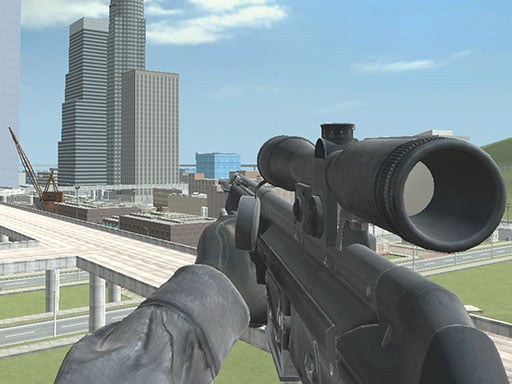
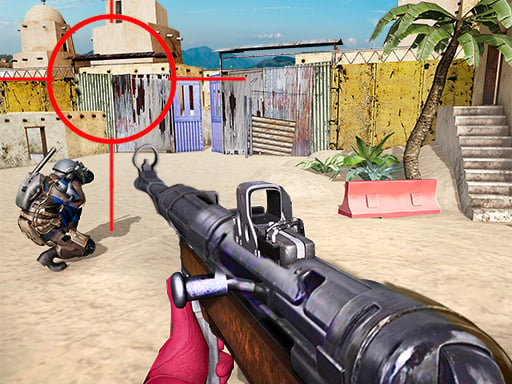
ShooterZ.io is organized around multiplayer rooms: create a lobby or join an available one, then move through several environments with a numbered weapon selection. It widens the site beyond solo survival missions without changing the core browser-shooter intent.

Why it lands

A direct competitive route for players who want live opponents

This is the pilot's clearest arena entry. Room availability can vary, so the page does not promise a populated match, but the working embed reaches the game's real loading and matchmaking shell rather than a screenshot or fake player.

Highlights

What to expect

  • Create or join multiplayer game rooms.
  • Several combat environments and weapon slots.
  • Crouch, aim, reload, pause, and chat controls.
  • A landscape player that remains usable inside the site shell.

Game controls

Controls

ShooterZ.io uses a standard PC arena-shooter control set.

  • Left click: shoot; Right click: aim
  • R: reload; C: crouch
  • 1-9: change weapon
  • T: open chat; Enter: send
  • P: pause