

DSDEAD STRIKEBrowser shooter command

Subway Clash 3D

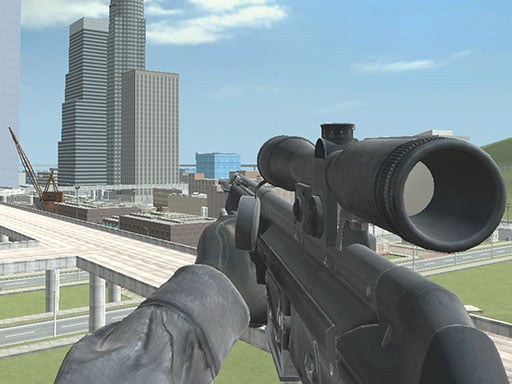
Play Subway Clash 3D online at DEAD STRIKE. Fight through underground arena lanes, keep moving through tunnel pressure, and load instantly in your browser.

ARENATunnel Rush

Mission briefing

Best in fullscreen or a dedicated tab.

Subway Clash 3D runs best when you keep the play area wide and switch to the source tab if you want the cleanest loading path. Stay in the SHOOTER, ARENA lane, then jump sideways into more missions from the icon walls.

About the game

An underground clash page with tight movement pressure

Subway Clash 3D uses a tunnel-heavy setting to make every angle feel closer and more urgent. Underground arenas naturally compress the action, which creates a good pace for players who enjoy quick target contact and constant repositioning.

Why it fits

The environment changes the combat without changing intent

The key appeal is still browser shooter action, but the subway setting gives the page its own identity. It feels denser, more directional, and a little more tactical than open arenas without becoming slow or overly technical.

Highlights

What players can expect

  • Underground lanes that create tighter arena firefights.
  • Fast browser sessions with readable map pressure.
  • Strong fit for players who like close, route-based combat.
  • Useful companion to other clash pages with more open sight lines.

Game controls

Controls

The page follows standard PC shooter controls for quick access.

  • WASD: move
  • Left click: fire
  • Right click: aim
  • R: reload
  • Space: jump